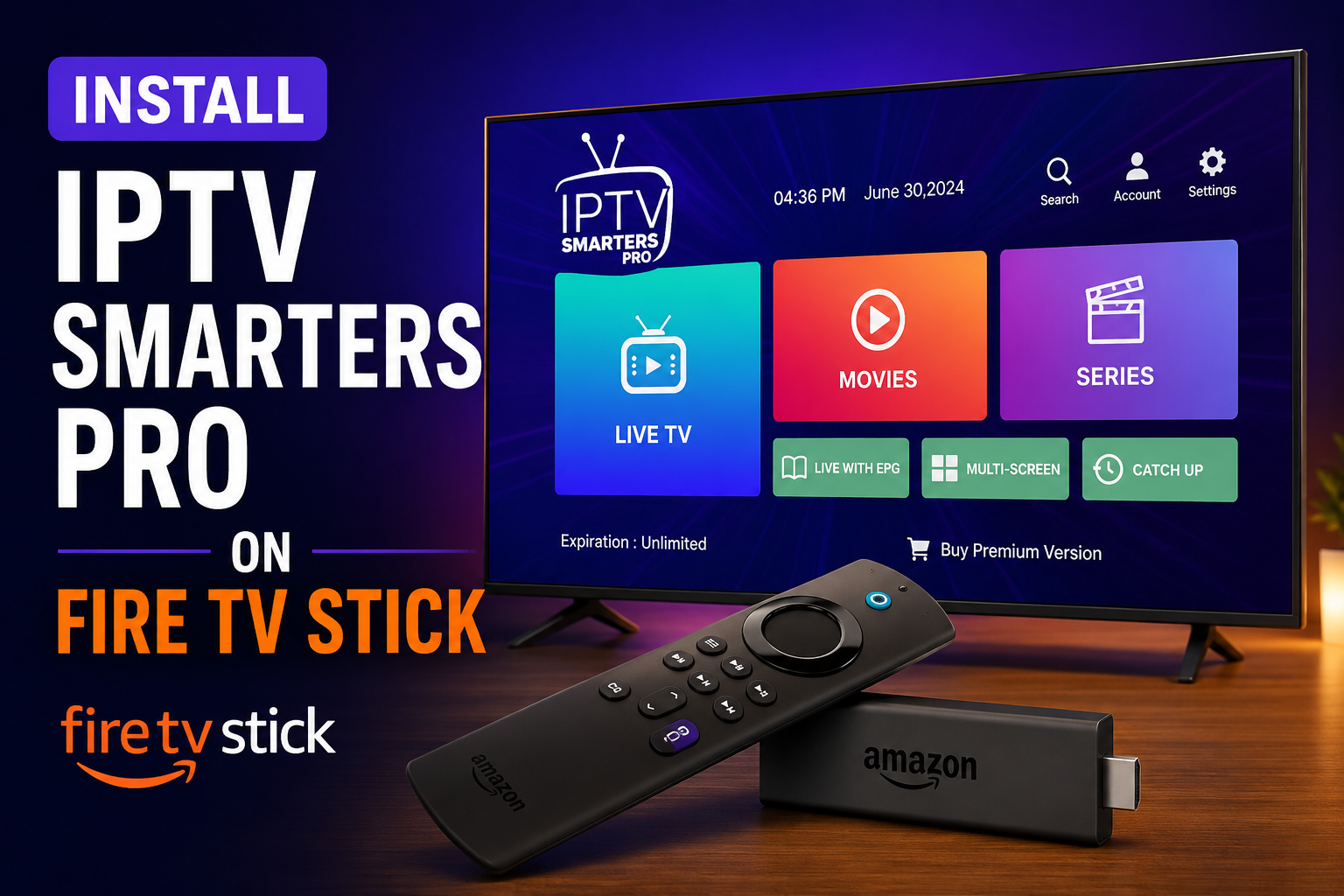
How to Install IPTV Smarters Pro on a Fire TV Stick in 2026
Amazon Fire TV Stick remains one of the most popular streaming devices in 2026, offering an affordable and convenient way to enjoy movies, TV shows, live sports, and IPTV services. One of the best IPTV applications available for Firestick users is IPTV Smarters Pro, a feature-rich media player that allows users to access IPTV subscriptions from their provider. Before getting started, you may also want to explore our guide to the Best Vpn For IPTV USA
In this guide, you’ll learn how to install IPTV Smarters Pro on Fire TV Stick in 2026, configure the app, and start streaming your favorite content in just a few minutes.
What Is IPTV Smarters Pro?
IPTV Smarters Pro is a powerful IPTV player that allows users to stream live TV channels, video-on-demand (VOD), TV series, catch-up content, and electronic program guides (EPG). It does not provide IPTV content itself but acts as a media player where users can enter their IPTV provider’s credentials.
Key Features of IPTV Smarters Pro
- Live TV streaming
- Movies and TV series support
- Electronic Program Guide (EPG)
- Multi-screen support
- External player integration
- Catch-up TV functionality
- Favorites management
- User-friendly interface
- Parental controls
- Fast and stable performance
Because of its simplicity and compatibility with Firestick devices, IPTV Smarters Pro continues to be one of the most downloaded IPTV applications worldwide.
Why Use IPTV Smarters Pro on Fire TV Stick?
The Amazon Fire TV Stick provides an excellent platform for IPTV streaming due to its portability, affordability, and ease of use.
Benefits include:
- Supports HD, Full HD, and 4K streaming
- Easy installation process
- Access to thousands of channels through IPTV subscriptions
- Compatible with Fire TV Stick Lite, Fire TV Stick 4K, Fire TV Stick 4K Max, and Fire TV Cube
- Smooth navigation using the Fire TV remote
Combining IPTV Smarters Pro with a Fire TV Stick creates a premium streaming experience without requiring expensive hardware.
Before Installing IPTV Smarters Pro
Since IPTV Smarters Pro may not always be available directly through the Amazon Appstore, you’ll first need to enable app installations from unknown sources.
Step 1: Open Fire TV Settings
From the Fire TV home screen:
- Select the Settings icon.
- Navigate to My Fire TV.
- Choose Developer Options.
Step 2: Enable Unknown Sources
Depending on your Fire OS version:
- Turn on Apps from Unknown Sources, or
- Enable Install Unknown Apps and grant permission to Downloader.
This allows your Fire TV Stick to install applications from external sources.
If you encounter issues accessing Developer Options, refer to the official Amazon Fire TV Support documentation for the latest Fire OS instructions.
Install Downloader on Fire TV Stick
Downloader is the easiest method for installing IPTV Smarters Pro on Firestick.
Step 1: Search for Downloader
- From the Fire TV home screen, select Find.
- Click Search.
- Type Downloader.
- Select the Downloader app.
- Click Download or Get.
Step 2: Launch Downloader
Once installed:
- Open Downloader.
- Grant any requested permissions.
- Allow access to files if prompted.
You are now ready to install IPTV Smarters Pro.
How to Install IPTV Smarters Pro on Firestick in 2026
Step 1: Open Downloader
Launch the Downloader application.
Step 2: Enter the IPTV Smarters Pro Download URL
In the URL field, enter the official IPTV Smarters Pro APK download link provided by the developer.
Click Go.
Step 3: Download the APK
Wait for the APK file to download completely.
The file size may vary depending on the latest version released in 2026.
Step 4: Install IPTV Smarters Pro
Once the download finishes:
- Select Install.
- Wait for installation to complete.
- Click Done or Open.
If you choose Done, you can delete the installation file afterward to save storage space.
Step 5: Delete the APK File
Deleting the APK helps free up memory.
- Return to Downloader.
- Select Delete.
- Confirm deletion.
The application remains installed on your device.
How to Set Up IPTV Smarters Pro
After installation, launch IPTV Smarters Pro.
You’ll see several login methods.
Option 1: Xtream Codes API
This is the most popular setup method.
You’ll need:
- Username
- Password
- Server URL
Enter the information provided by your IPTV service and click Add User.
Option 2: M3U Playlist URL
If your provider offers an M3U link:
- Select Load Your Playlist or File URL.
- Enter a playlist name.
- Paste the M3U URL.
- Click Add User.
Option 3: Local Playlist File
You can also upload a playlist file directly from local storage.
Install IPTV Smarters Pro on Fire TV Stick: Why It’s the Preferred Choice in 2026
If you’re looking for the easiest way to stream live TV, movies, and series, many users choose to Install IPTV Smarters Pro on Fire TV Stick because of its simple setup process and powerful features. The app is optimized for Fire OS devices, supports multiple IPTV formats, and delivers a smooth viewing experience, making it one of the most popular IPTV players available in 2026.
Configuring IPTV Smarters Pro for Best Performance
To get the best streaming experience on Firestick:
Enable Hardware Decoding
- Open Settings inside IPTV Smarters Pro.
- Navigate to Player Settings.
- Enable Hardware Decoding.
This improves playback performance and reduces buffering.
Update EPG
Electronic Program Guide data helps display TV schedules.
To update:
- Open Settings.
- Select Refresh EPG.
Use an External Video Player
Many users prefer:
- VLC Player
- MX Player
External players often provide smoother playback and additional features.
How to Fix Buffering Issues
Buffering can occur for several reasons.
Check Your Internet Speed
For optimal streaming:
- HD channels: Minimum 15 Mbps
- Full HD channels: 25 Mbps
- 4K channels: 50 Mbps or higher
Restart Your Firestick
A quick restart often resolves performance issues.
Clear Cache
- Open Fire TV Settings.
- Select Applications.
- Manage Installed Applications.
- IPTV Smarters Pro.
- Clear Cache.
Use Ethernet
A wired connection can improve stability compared to Wi-Fi.
IPTV Smarters Pro Features in 2026
The latest version of IPTV Smarters Pro includes:
Modern Interface
A redesigned user experience optimized for television screens.
Multiple Profiles
Manage separate IPTV subscriptions under one app.
Picture-in-Picture Support
Continue watching while browsing other content.
Improved EPG Integration
Faster loading and more accurate channel schedules.
Better 4K Streaming
Optimized playback for modern Fire TV devices.
Is IPTV Smarters Pro Legal?
IPTV Smarters Pro itself is a legal media player.
The legality depends on the content source and IPTV service being used. Users should ensure they have the appropriate rights and permissions to access streamed content in their jurisdiction.
Frequently Asked Questions
Can I Install IPTV Smarters Pro on Firestick 4K Max?
Yes. IPTV Smarters Pro works perfectly on Fire TV Stick 4K Max, Fire TV Cube, Fire TV Stick Lite, and other compatible Fire OS devices.
Is IPTV Smarters Pro Free?
The application offers a free version with core functionality. Premium features may be available depending on the version and developer offerings.
Do I Need an IPTV Subscription?
Yes. IPTV Smarters Pro is only a player. You’ll need login credentials from an IPTV provider.
Why Is IPTV Smarters Pro Not in the Amazon App Store?
Availability can vary by region and platform policies. Many users install it using Downloader and an APK file.
Can I Use Multiple IPTV Accounts?
Yes. IPTV Smarters Pro supports multiple user profiles and subscriptions.
Final Thoughts
Installing IPTV Smarters Pro on a Fire TV Stick in 2026 remains one of the easiest ways to enjoy IPTV content on your television. The app provides an intuitive interface, excellent playback performance, EPG support, and compatibility with virtually all major IPTV services.
By following the steps outlined in this guide, you can quickly install IPTV Smarters Pro, configure your IPTV subscription, and start streaming live TV, movies, sports, and series directly from your Fire TV Stick.
Whether you’re using a Fire TV Stick Lite or the latest Fire TV Stick 4K Max, IPTV Smarters Pro continues to be one of the best IPTV players available in 2026.