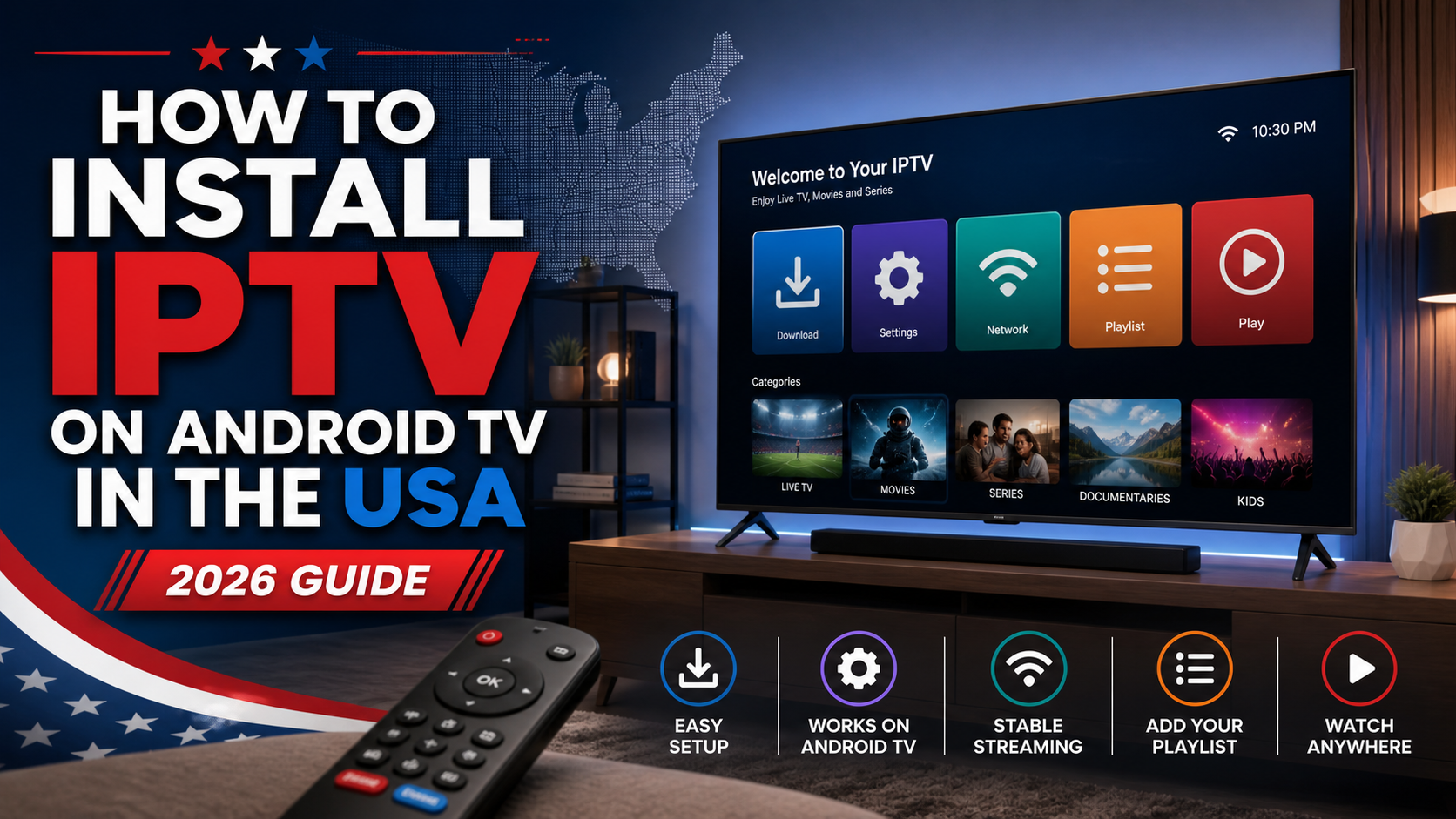
How to Install IPTV on Android TV USA (2026 Guide)
Introduction
In recent years, the way people in the United States watch television has changed dramatically. Traditional cable and satellite services are steadily being replaced by more flexible and cost-effective solutions. One of the most popular alternatives is IPTV (Internet Protocol Television), which allows users to stream live TV, movies, and series over the internet.
If you own an Android TV, you already have one of the best platforms for IPTV streaming. However, many users are unsure how to properly install and set up IPTV on their devices. Fortunately, the process is simple and can be completed in just a few minutes.
In this guide, you will learn how to install IPTV on Android TV in the USA step by step, along with tips to ensure smooth and high-quality streaming.
What is IPTV and Why Use It on Android TV?
IPTV stands for Internet Protocol Television. Instead of relying on cable or satellite signals, IPTV delivers content through an internet connection. This allows users to access thousands of live TV channels, on-demand movies, and TV shows from around the world.
There are several reasons why Android TV users prefer IPTV. First, it offers access to a wide variety of content, including live TV and video on demand. Second, it provides high-quality streaming, including HD and 4K resolution. In addition, IPTV is often more affordable than traditional cable services.
Android TV devices support many IPTV applications, making them ideal for a seamless streaming experience.
Requirements to Install IPTV on Android TV
Before installing IPTV, make sure you have everything you need:
- A stable internet connection (at least 15 Mbps recommended)
- An Android TV or Smart TV running Android OS
- An active IPTV subscription with login credentials or an M3U URL
- An IPTV player application
Having these ready will make the setup process faster and easier.
Best IPTV Apps for Android TV
Choosing the right IPTV app is important for performance and usability. Some of the most popular options include:
IPTV Smarters Pro, which offers a user-friendly interface and supports live TV, VOD, and EPG features.
TiviMate, known for its modern design and smooth performance, especially on Android TV devices.
Smart IPTV, a simple and reliable option for streaming channels.
XCIPTV Player, which includes a built-in media player and advanced features.
Each of these apps allows you to log in using either M3U playlists or Xtream Codes API.
How to Install IPTV on Android TV
The installation process is straightforward and only takes a few steps.
Start by turning on your Android TV and opening the Google Play Store. In the search bar, type the name of the IPTV app you want to install, such as IPTV Smarters Pro or TiviMate. Once you find the app, select it and click the install button.
After the installation is complete, open the app. You will see a login screen where you need to enter your IPTV subscription details. This usually includes your username, password, and server URL. Some apps also allow you to log in using an M3U playlist link.
Once you enter your credentials, the app will load your channels, movies, and series. This may take a few seconds. After everything is loaded, you can start watching your favorite content immediately.
Installing IPTV via APK (Alternative Method)
In some cases, certain IPTV apps may not be available in the Google Play Store. In that situation, you can install them manually using an APK file.
First, go to your Android TV settings and enable installation from unknown sources. Then install the Downloader app from the Play Store. Open Downloader and enter the URL of the IPTV app APK file.
Download the file and follow the on-screen instructions to install it. Once installed, open the app and enter your IPTV login details as usual.
Tips to Improve IPTV Streaming Quality
To get the best experience, it is important to optimize your setup.
Use a high-speed internet connection, especially if you plan to stream in 4K. A wired Ethernet connection is recommended over Wi-Fi for better stability.
Using a VPN can help improve privacy and prevent internet throttling by your service provider.
Make sure your IPTV app is always updated to the latest version. Updates often fix bugs and improve performance.
Clearing the app cache regularly can also help prevent buffering issues and improve speed.
Common IPTV Issues and Solutions
Sometimes users may experience issues while using IPTV. Most problems can be easily fixed.
If you experience buffering, check your internet speed and restart your router. Switching to a wired connection can also help.
If the app crashes, try updating it, clearing the cache, or reinstalling it.
If channels are not loading, double-check your login details and ensure your subscription is active.
Is IPTV Legal in the USA?
IPTV technology itself is legal. However, the legality depends on the provider you are using.
Licensed IPTV services Such as Vision IPTV proper broadcasting rights are legal. Unverified providers may not have the necessary permissions to distribute content.
It is important to choose a reliable and legitimate IPTV provider to ensure a safe and legal streaming experience.
Advantages of IPTV on Android TV
Using IPTV on Android TV offers several benefits. It provides access to a large selection of live TV channels and on-demand content. It also supports high-quality streaming, including HD and 4K.
The installation process is simple, and the interface is easy to navigate. In addition, IPTV services are often more affordable than traditional cable subscriptions.
Android TV also allows you to use multiple apps and customize your viewing experience.
Conclusion
Installing IPTV on Android TV in the USA is a simple and effective way to enhance your home entertainment. With the right app and subscription, you can access thousands of channels, movies, and TV shows from around the world.
By following the steps in this guide and optimizing your setup, you can enjoy smooth, high-quality streaming at any time. IPTV continues to grow in popularity, offering a flexible and modern alternative to traditional television services.
The Rise of IPTV in USA: Why 4K Streaming Is Transforming Home Entertainment - tuneinvision.us
May 13, 2026[…] can improve performance, reduce buffering, and make channel navigation easier. This guide on how to install IPTV on Android TV in the USA is a useful resource for viewers who want a smoother setup […]
IPTV on Samsung Smart TV: Complete Setup Guide (2026) - tuneinvision.us
June 8, 2026[…] Because Samsung Smart TVs offer excellent display quality and reliable performance, they have become one of the preferred devices for IPTV streaming. check out […]
IPTV vs Cable TV in the USA: Which Is Better in 2026? - tuneinvision.us
July 11, 2026[…] technician visits or complicated wiring are required. follow our How to Install IPTV on Android TV USA (2026 Guide) for step-by-step instructions on installing an IPTV app, adding your subscription details, and […]