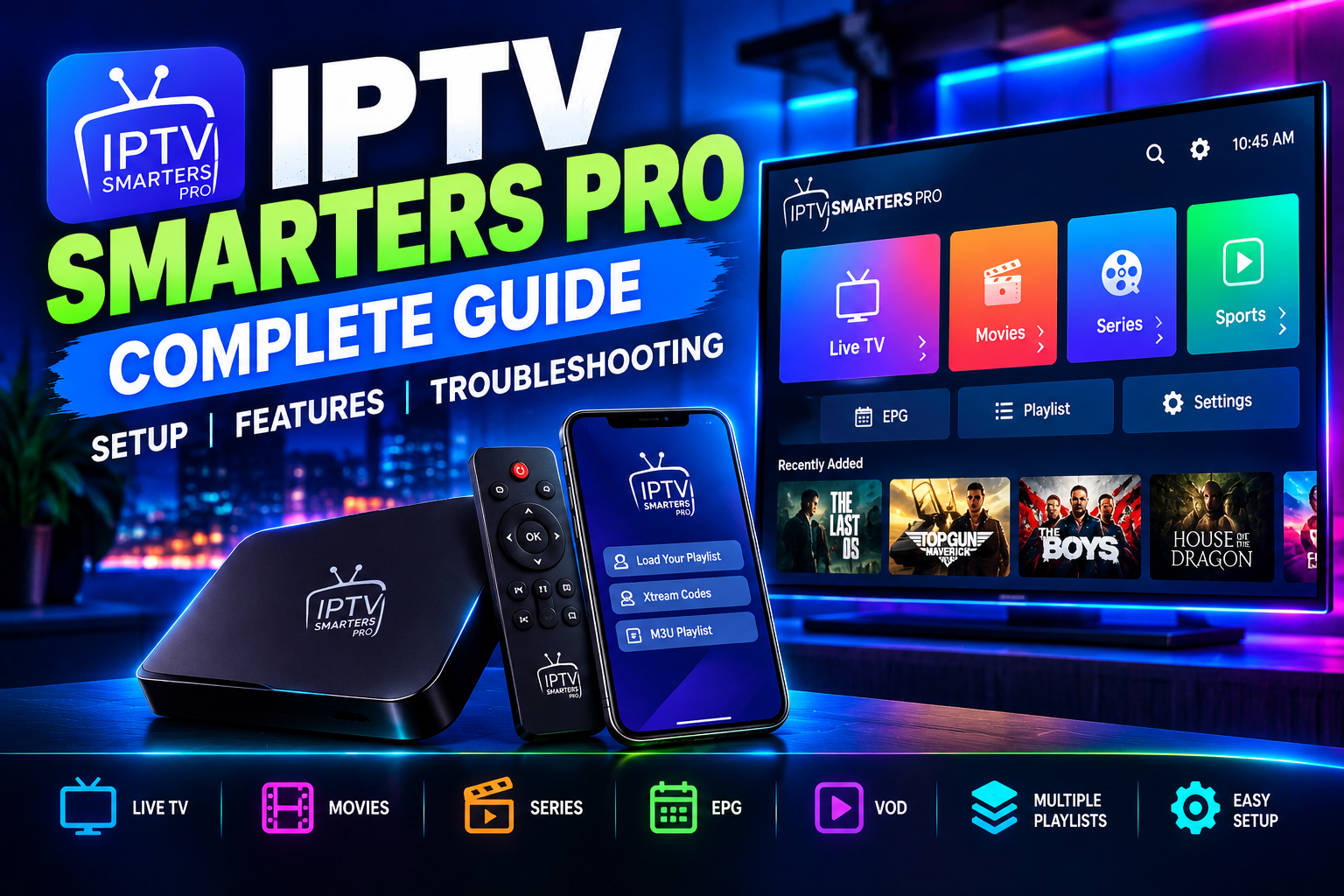
IPTV Smarters Pro: Complete Guide to Setup, Features, and Troubleshooting
- By Elona
IPTV Smarters Pro is a popular IPTV player that allows users to access compatible live TV, video-on-demand, and other streaming content from a supported IPTV provider. Unlike an IPTV service itself, the application does not normally provide television channels. Instead, it acts as an interface for accessing content from a service or playlist you are authorized to use.
This complete guide explains how IPTV Smarters Pro works, how to set it up, its main features, and how to troubleshoot common problems.
What Is IPTV Smarters Pro?
IPTV Smarters is an IPTV player designed to organize and play streaming content through a convenient interface. Depending on the version and device, users can access features such as live TV, video on demand (VOD), electronic program guides (EPG), playlists, and other streaming options.
The app is particularly popular because it provides a centralized interface rather than requiring users to open different applications for different types of content.
Is IPTV Smarters Pro an IPTV Service?
No. This is an important distinction.
IPTV Smarters Pro is an IPTV player, not an IPTV service. It provides the interface for accessing and organizing content from a compatible IPTV provider or playlist.
Choosing a good IPTV service also matters because the quality of your streaming experience depends largely on the provider. Factors such as stream stability, video quality, channel availability, EPG accuracy, and server reliabilitycan all affect your experience, even when IPTV Smarters Pro itself is working properly.
In simple terms, IPTV Smarters Pro is the player, while your IPTV service provides the content. Always choose a legitimate provider that is authorized to distribute the content it offers.
IPTV Smarters Pro Supported Devices
One of the main advantages of IPTV Smarters Pro is its availability across multiple types of devices and platforms.
Depending on the current version, users may find support for:
- Android devices
- Android TV and compatible TV boxes
- Amazon Fire TV devices
- Smart TVs
- iOS devices
- Computers and other compatible platforms
Before installing the application, check that the version you are using is compatible with your particular device.
How to Set Up IPTV Smarters Pro
Setting up IPTV Smarters Pro is generally straightforward. The exact screens and options can differ depending on the device and app version.
Step 1: Install IPTV Smarters Pro
Download the application through an official or authorized source appropriate for your device. Avoid unofficial modified applications because they may create security, privacy, or compatibility risks.
Once installed, open the application.
Step 2: Choose Your Login Method
Depending on the version, IPTV Smarters Pro may provide different ways to add content.
Common options can include:
- IPTV provider credentials
- Xtream Codes API
- M3U playlist
- Other supported playlist or connection methods
Your legitimate IPTV provider should tell you which method and credentials are supported.
Step 3: Enter Your Account Information
If your provider supplies a username, password, and server information, enter those details carefully.
For an M3U playlist, use the playlist information supplied by your provider.
Avoid copying credentials from unknown websites or sharing your IPTV login information with other people.
Step 4: Load Your Content
After successfully connecting your authorized service or playlist, the application may organize available content into categories such as:
- Live TV
- Movies
- Series
- Favorites
- EPG
The exact categories depend on the content source and application version.
Key IPTV Smarters Pro Features
IPTV Smarters Pro is popular because it combines several useful playback and organization features in one interface.
Live TV
The live TV section lets users browse and watch compatible live channels provided through their authorized IPTV service.
Channels may be organized into categories, making large channel lists easier to navigate.
Electronic Program Guide (EPG)
An Electronic Program Guide, or EPG, displays information about scheduled programming.
When supported by your IPTV provider, an EPG can show:
- Current programs
- Upcoming programs
- Program descriptions
- Channel schedules
If your EPG isn’t appearing correctly, the issue may be related to the information supplied by your provider rather than the player itself.
Video on Demand
Some IPTV services provide VOD libraries containing movies and other on-demand content.
IPTV Smarters Pro can provide an interface for browsing and playing compatible VOD content when the connected service supports it.
Favorites
The favorites feature can make large channel lists easier to manage. Instead of repeatedly searching through hundreds or thousands of channels, users can save frequently watched content for quicker access.
Multiple Playlists
Depending on the version, users may be able to manage multiple content sources or playlists from the same application.
This can be useful if you have more than one authorized IPTV service or playlist.
IPTV Smarters Pro Troubleshooting
Even with a good internet connection, users can occasionally experience playback or login problems. Fortunately, many issues have straightforward solutions.
IPTV Smarters Pro Is Buffering
Buffering is one of the most common IPTV playback problems.
Try these steps:
- Check your internet connection.
- Restart your router and streaming device.
- Test another channel or video.
- Use a wired connection if available.
- Reduce video quality if the service supports multiple quality levels.
- Check whether the provider’s server is experiencing an issue.
If only certain channels buffer while others play normally, the problem may originate from the content source rather than your device.
IPTV Smarters Pro Is Not Loading Channels
If your channels disappear or fail to load, first check your login details and playlist.
You can also:
- Refresh the playlist.
- Re-enter your credentials.
- Check whether your subscription is active.
- Restart the application.
- Confirm that the provider’s server is online.
If other devices cannot access the same service, contact your IPTV provider.
IPTV Smarters Login Failed
A login error can occur because of incorrect credentials, an expired account, an incorrect server address, or a temporary server problem.
Carefully check your username and password. Pay attention to uppercase and lowercase characters and avoid accidentally adding spaces.
If the credentials are correct but authentication continues to fail, your provider may need to investigate the account or server.
IPTV Smarters Has a Black Screen
A black screen can have several causes.
Try:
- Restarting the application.
- Restarting the device.
- Testing another channel.
- Checking your internet connection.
- Updating the application when an official update is available.
- Checking whether the particular stream is currently available.
If only one channel produces a black screen, the issue is more likely to be related to that stream.
How to Improve IPTV Smarters Pro Performance
A stable network connection is one of the most important factors in IPTV playback.
For better performance:
Use a Reliable Internet Connection
Streaming high-resolution video requires sufficient bandwidth. A stable connection is generally more important than simply having a high advertised download speed.
Use Ethernet When Possible
For TVs and streaming boxes located near your router, Ethernet can provide a more consistent connection than Wi-Fi.
Keep Your Device Updated
Keep your operating system and officially supported applications updated. Older software can sometimes cause compatibility or performance issues.
Restart Your Device Occasionally
Restarting your TV, streaming box, or phone can clear temporary issues and free system resources.
IPTV Smarters Pro vs. Other IPTV Players
IPTV Smarters Pro is only one option available to IPTV users. Other IPTV players may offer different interfaces, EPG features, playback controls, recording capabilities, or device compatibility.
When choosing an IPTV player, consider:
- Supported devices
- Ease of use
- Playlist compatibility
- EPG support
- Playback performance
- Updates and developer support
- Privacy and security
The best IPTV player ultimately depends on your device and the features offered by your legitimate IPTV service.
Is IPTV Smarters Free?
Availability, pricing, and features can vary by version and platform. Some versions or features may be free, while others may require payment or offer additional functionality.
Users should obtain the application through an official or authorized distribution channel and review the pricing information provided there.
Is IPTV Smarters Pro Legal?
The application itself is a media player. The legality of the content you watch depends on the source and whether you have the necessary rights or authorization to access it.
Using an IPTV player with legitimate, licensed content is different from accessing copyrighted channels or media without authorization.
Always use IPTV services and playlists that you are legally entitled to access.
Frequently Asked Questions
Does IPTV Smarters Provide TV Channels?
No. IPTV Smarters Pro is primarily a player. You generally need to connect it to a compatible and authorized IPTV service or playlist.
Why Is IPTV Smarters Buffering?
Buffering can result from an unstable internet connection, network congestion, device limitations, or problems with the streaming provider’s server.
Can I Use IPTV Smarters Pro on a Smart TV?
Compatibility depends on the specific television model and application version. Check the supported application options for your TV before installing.
Why Is My EPG Not Working?
EPG information is normally supplied by the connected IPTV service or playlist. Incorrect guide information can therefore be caused by the source rather than the player.
Final Thoughts
IPTV Smarters Pro offers a convenient way to organize and play compatible IPTV content across supported devices. Its combination of live TV, VOD, EPG, playlists, and playback features makes it a useful option for users who want a centralized IPTV interface.
For the best experience, use a reliable internet connection, keep your device updated, and connect the application only to legitimate IPTV services and content sources.
If you encounter problems, start with basic troubleshooting such as checking your connection, verifying your credentials, restarting the application, and testing another stream. When the problem affects the entire service, contacting your IPTV provider is usually the most effective next step.